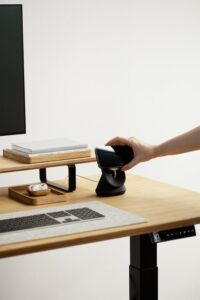
Tips for Creating a Cozy and Productive Home Workspace
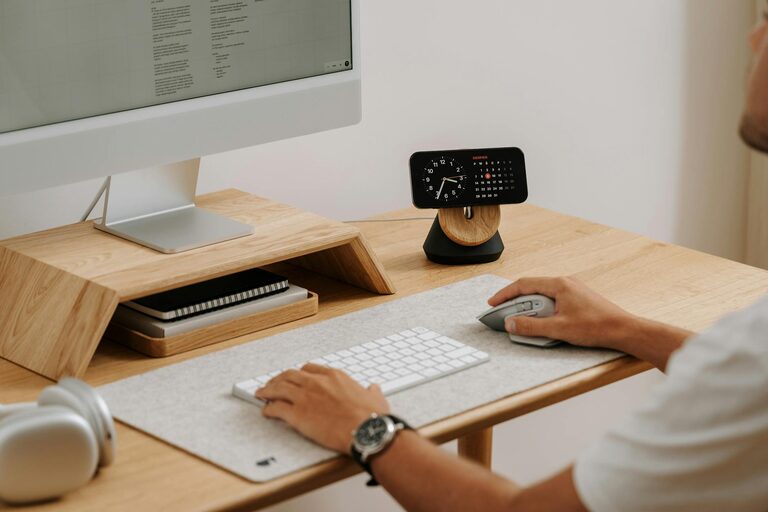
Creating a workspace at home that is both cozy and productive can significantly improve your focus and overall work satisfaction. Whether you’re freelancing, working remotely, or managing a home-based business, having a dedicated, comfortable area helps separate work from personal life and boosts efficiency. This guide offers practical tips to set up a space that inspires productivity while keeping you comfortable throughout the day.
Choose the Right Location
Find a Quiet Spot
Select a quiet corner or room where distractions are minimal. If possible, choose a space with a door to help create boundaries between your work and home life.
Consider Natural Light
Position your workspace near a window to take advantage of natural light. Exposure to daylight can improve mood and alertness, making your workday more pleasant.
Invest in Comfortable Furniture
Ergonomic Chair
A supportive chair is key to good posture and comfort, especially if you spend long hours sitting. Look for adjustable chairs that provide lumbar support.
Functional Desk
Choose a desk with enough surface area for your computer, notebooks, and other essentials. Adjustable desks that allow you to switch between sitting and standing are a bonus.
Organize Your Space for Efficiency
Declutter Regularly
Keep your workspace tidy by removing unnecessary items. A clutter-free desk helps reduce stress and distraction.
Use Storage Solutions
Incorporate shelves, drawers, or organizers to keep supplies and documents within easy reach but out of sight.
Personalize Your Workspace
Add Comforting Elements
Include cozy items such as soft cushions, a throw blanket, or a small rug. These elements can make your workspace feel inviting.
Decorate with Plants
Indoor plants not only brighten your space but also improve air quality and provide a calming effect.
Optimize Lighting
Supplement Natural Light
Use adjustable desk lamps with warm light to reduce eye strain, especially during evening hours or on cloudy days.
Prevent Glare
Position screens and lights to avoid glare, which can cause discomfort and headaches.
Minimize Distractions
Manage Noise Levels
Consider noise-canceling headphones or soft background music to maintain concentration if ambient noise is an issue.
Control Digital Interruptions
Turn off non-essential notifications during work hours or use apps to limit distractions on your devices.
Maintain Good Air Quality
Ventilate Your Space
Open windows regularly to bring in fresh air or use an air purifier to keep the environment healthy and comfortable.
Monitor Temperature
Keep the room at a comfortable temperature to avoid discomfort that can interfere with focus.
Establish Boundaries and Routine
Set Work Hours
Define specific work hours and communicate them to household members to minimize interruptions.
Create a Morning Ritual
Start your day with a routine that mentally prepares you for work, such as organizing your desk or reviewing your to-do list.
Incorporate Break Areas
Designate a Spot to Relax
If space permits, create a small area where you can take breaks away from your desk, helping to refresh your mind.
Stretch and Move
Set reminders to stand, stretch, or walk periodically to reduce physical strain and improve circulation.
—
By following these tips, you can design a home workspace that balances comfort and productivity. The key is to create an environment tailored to your needs, fostering focus while ensuring you feel relaxed and motivated throughout your workday.